
Stremio Addons legit 4K ! and free
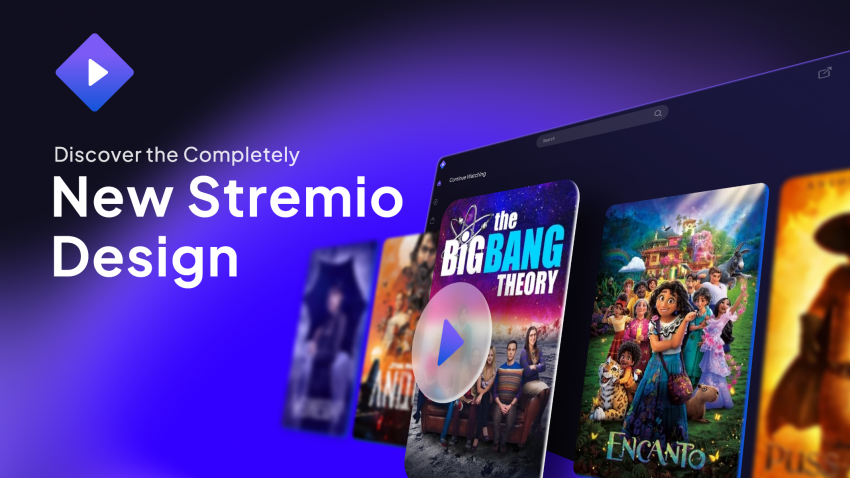
Looking for the best experience? Here are the essential, free, and legitimate Stremio addons you need for 4K streaming!
Streaming Addons
Subtitle Addons
Catalog Addons
How to Set Up Your Account
- Open any web browser and go to the Stremio portal.
- Click here to log in or register a new account.
-
Once logged in, your home dashboard will look like this:
- On the left navigation panel, click the Addons icon (puzzle piece).

How to Install Addons
- Click on any of the addon links listed above.
-
A pop-up prompt will appear asking to install the addon:
- Click Install to complete setup.

Happy streaming! 🍿
Tip: To confirm your addons are running, head to the My Addons tab in the sidebar menu.